The purchase you skip is money you keep.
ImpulseShield puts a cooling-off period between you and the buy button. Log what you want, wait it out, then decide with a clear head — not a hot one.
Pay once, yours forever · No ads · No subscriptions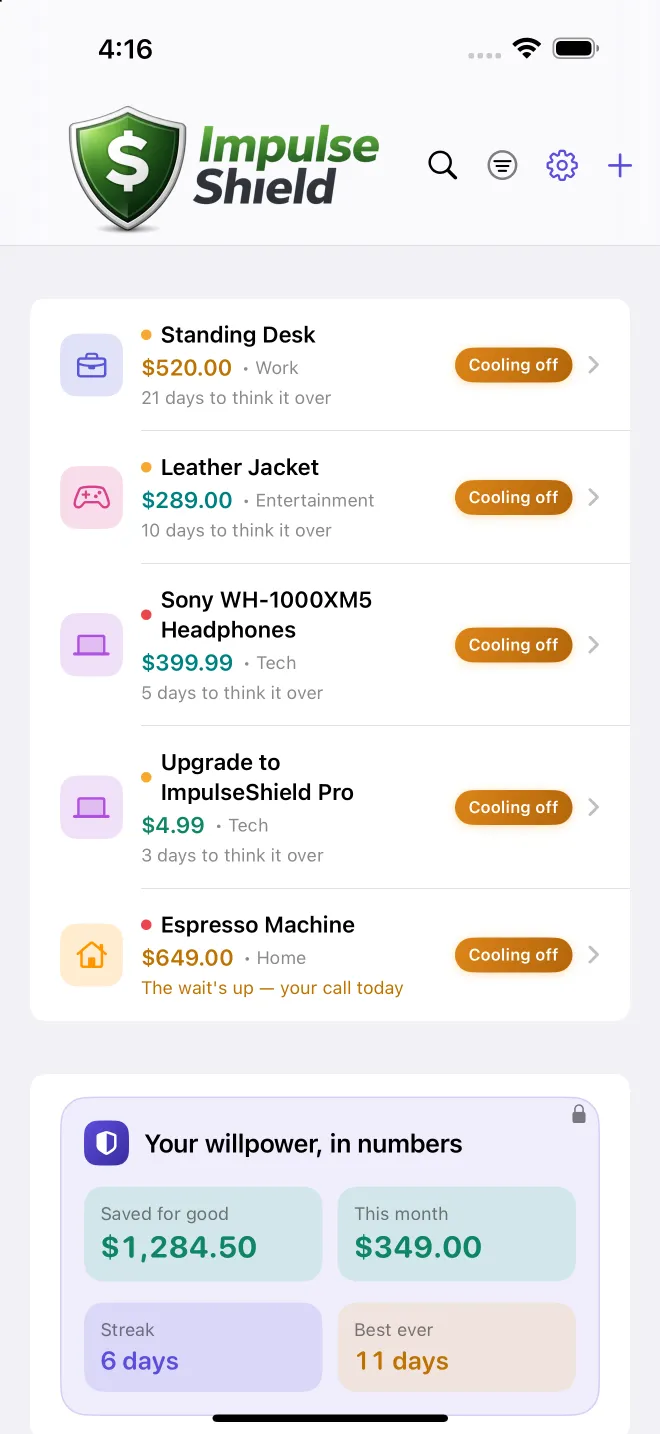
The psychology
Willpower loses. A system wins.
Impulse spending isn't a character flaw — it's a timing problem. ImpulseShield fixes the timing.
Cooling-off beats willpower
The urge to buy spikes and fades fast. An enforced wait outlasts the spike, so the decision happens after the chemistry calms down — not during.
Past-you vs. present-you
You write down why you wanted it. When the timer ends, present-you reads past-you's reasoning — and "I deserve it" rarely survives the reread.
Accountability sticks
Streaks make skipping feel like winning, and a running savings total turns "I didn't buy it" into a number you can actually see grow. (Shared accountability arrives with Family Mode.)
Built to make waiting easy.
Enforced cooling-off
Every want gets a mandatory wait period scaled to its price. The bigger the buy, the longer you sit with it.
Reflect, then decide
Note why you wanted it. When the wait ends, past-you meets present-you — and the urge usually looks different.
Watch it add up
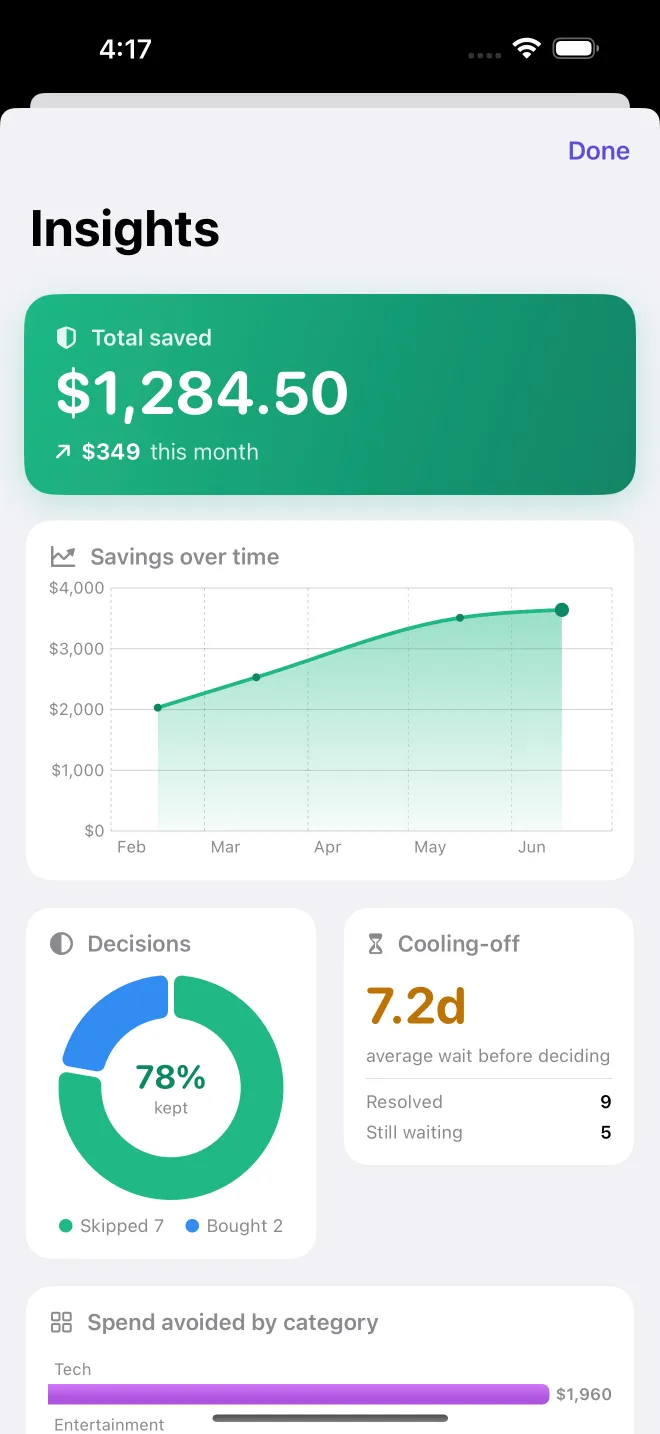
Every skip builds your streak and your savings. The number you didn't spend, growing in front of you.
Built for five Apple platforms
One purchase. Synced everywhere.
Available now on iPhone, iPad, Apple Watch, Mac, and Apple Vision Pro. Buy once and your lists, savings, and streaks stay in sync through your own private iCloud.
 iPhone
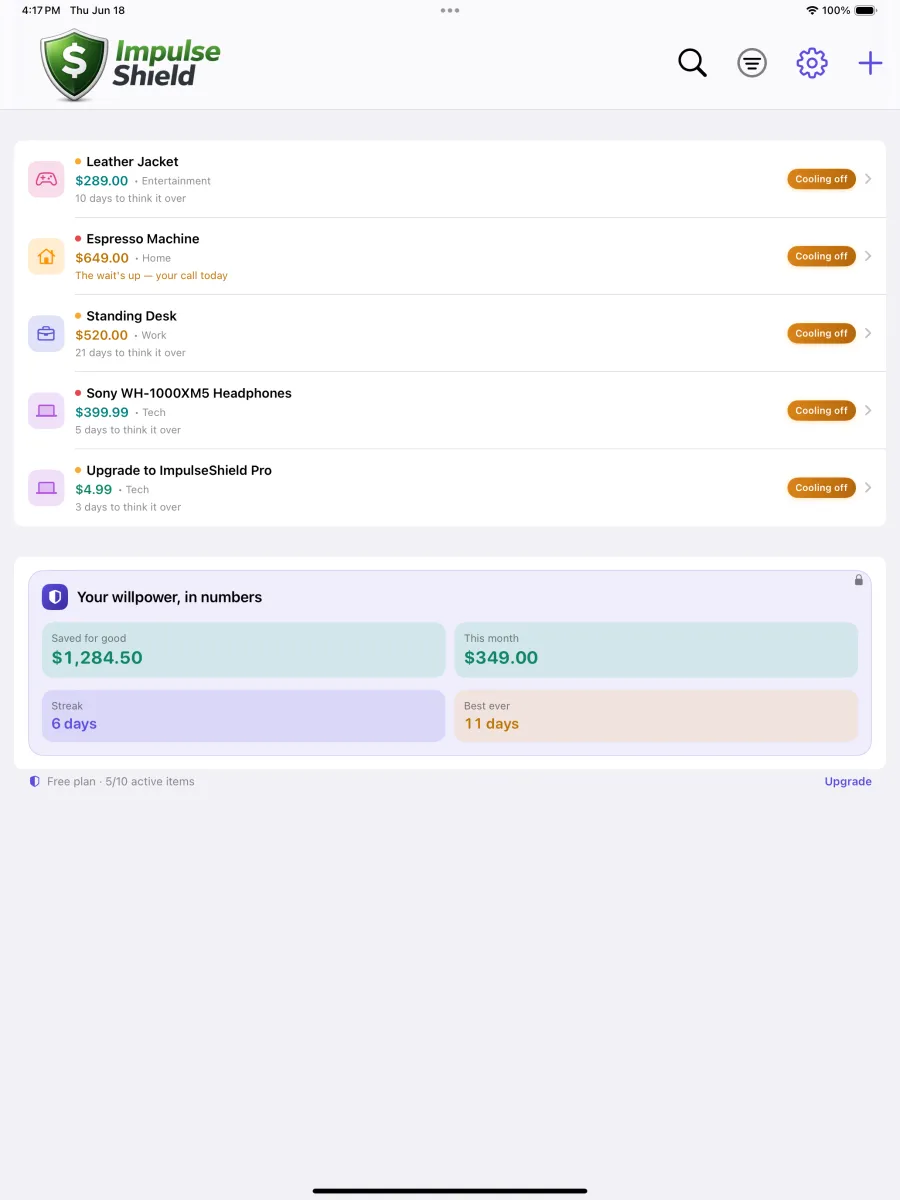 iPad
iPad
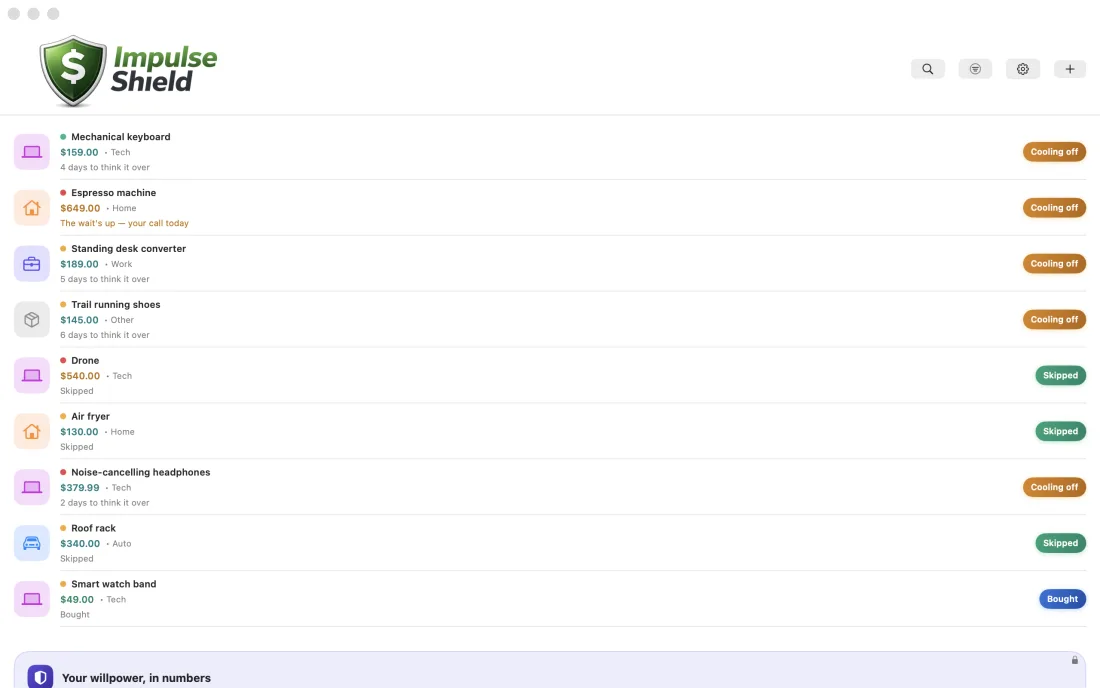 Mac
Mac
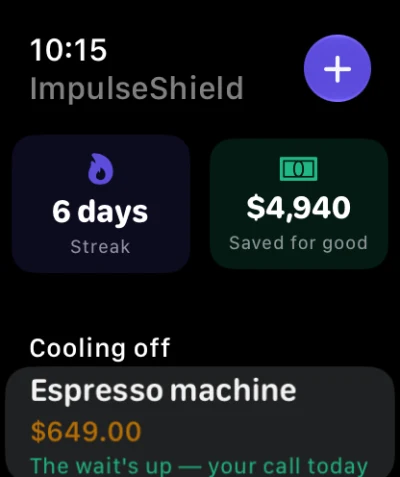 Apple Watch
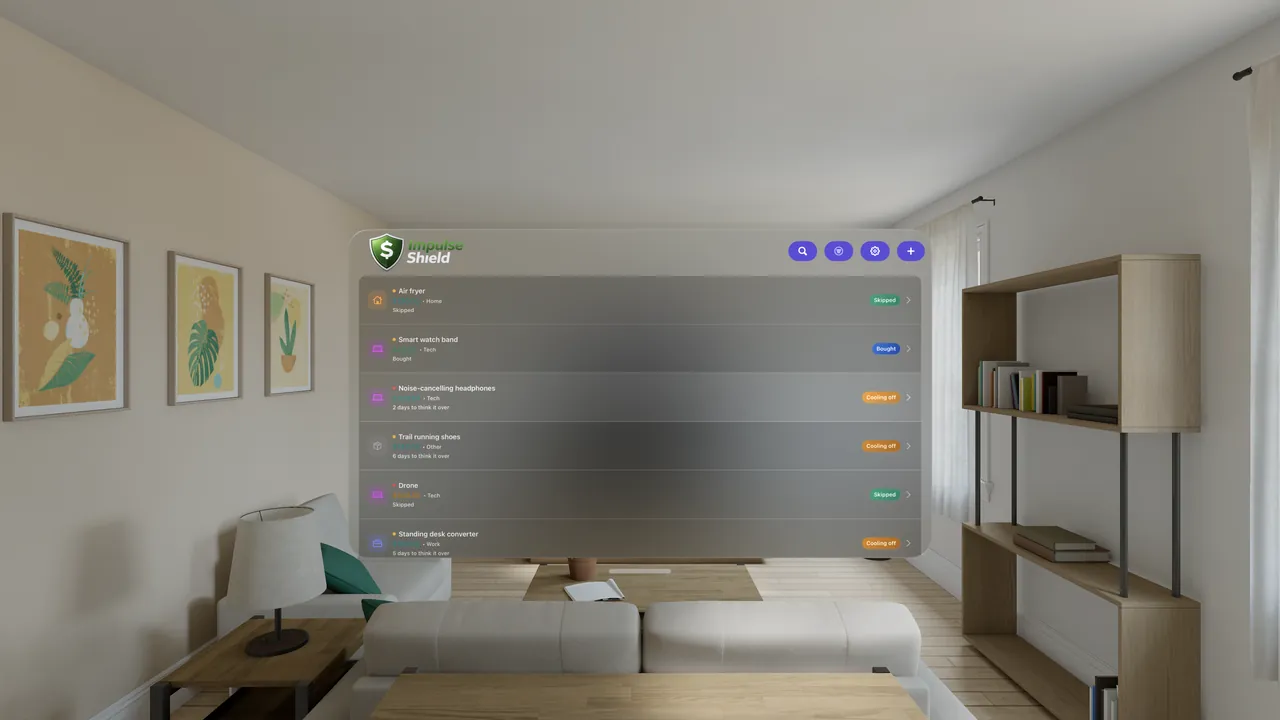 Apple Vision Pro
The whole core is free. Pro is a one-time purchase.
No ads. No subscription. No account. Pay once for Pro — or never, and still get the full habit.
Everything you need to break the impulse
- Log a want and start an enforced cooling-off timer
- Decide with a clear head, then bank the savings & build a streak
- iCloud sync across all your Apple devices
- Free share-to-add from any app
- Your last 30 days of archive
Go deeper, own it forever
- Unlimited items & custom wait thresholds
- Full savings analytics & charts
- Unlimited archive (free keeps the last 30 days)
- Themes & dark mode
- Home Screen widget
Pay once — yours forever. No subscription, ever.
How it works
Four steps between impulse and regret.
No spreadsheets, no shame. Just a little time on your side.
Log it
Add the thing you're eyeing and what it costs.
Wait
It cools off for days based on the price.
Decide
Buy it or skip it — clear-headed.
Save
Skips stack into streaks and real savings.
Stop impulse buying
How ImpulseShield helps you stop impulse buying
A simple, psychology-backed way to curb impulse spending, beat the urge to overspend, and shop with intention — online or in a store.
What is a cooling-off period for purchases?
A cooling-off period is a deliberate wait between wanting something and buying it. ImpulseShield enforces that pause — scaled to the price — so the urge to impulse-buy fades before you ever reach the checkout.
How do I stop impulse buying online?
Instead of dropping it in your cart, log the item the moment you want it. ImpulseShield holds it in a cooling-off list, reminds you why you paused, and lets you decide with a clear head — turning online-shopping impulse control into a habit.
Will waiting really help me save money?
Most impulse purchases lose their pull within hours. By outlasting that spike, a short wait quietly becomes real savings — and ImpulseShield tracks every skip so you can watch the money you kept add up.
Soon, the whole household can wait it out together.
Family Mode brings shared cooling-off lists, gentle approvals for kids and partners, and a household savings goal everyone can see. Real accountability — because skipping is easier when someone's cheering.
The launch app is a one-time purchase — pay once, yours forever, no subscription. Family Mode will arrive later as a separate one-time upgrade. Start solo now; bring the family later.
Questions
The short answers.
Is my data private?
Completely. ImpulseShield collects nothing — there are no servers receiving your data, no accounts, and no tracking. Everything you log lives on your device, and if you enable iCloud, in your own private iCloud account that only you can access. Read the full Privacy Policy.
Does it sync across my devices?
Yes. If you're signed into iCloud, your lists, notes, and savings history sync automatically across your devices through Apple's CloudKit — in your private iCloud database. We never see it. No iCloud? Everything just stays local on that device.
How much does it cost?
A one-time purchase — pay once and it's yours for good. No subscription, no ads, no upsells nagging you while you're trying to not spend money. The exact price is shown in your local currency on the App Store. Family Mode will be a separate one-time upgrade when it ships.
What platforms does it support?
Available now on iPhone, iPad, Apple Watch, Mac, and Apple Vision Pro. Your lists, savings, and streaks sync across every device via iCloud.
How does ImpulseShield help me stop impulse buying?
It puts an enforced cooling-off period between you and the buy button. You log the want, wait out a price-based timer, then decide with a clear head. The urge to impulse-buy usually fades — and every skip builds a streak and adds to your savings, so curbing impulse purchases starts to feel like winning.
How is this different from a budgeting app?
Budgeting apps track money after you spend it. ImpulseShield works before you spend — adding a mindful pause that helps you curb impulse purchases at the source. Use it alongside any budget to stop overspending and spend more intentionally.
Start spending with intention today.
ImpulseShield is live on the App Store for iPhone, iPad, Apple Watch, Mac & Apple Vision Pro. Download it free and put a cooling-off period between you and the buy button.
Download on the App StorePrefer email? Reach us at porter.washington@impulseshield.app.